Snowsky Echo Mini
12 Jan 2026How I use my Snowsky Echo Mini
Introduction
This is somewhat a sequel to the [previous post], about how I’m trying to get myself off the social media and all that, but this one will be more about setting up and ranting.
Okay, what’s the big idea
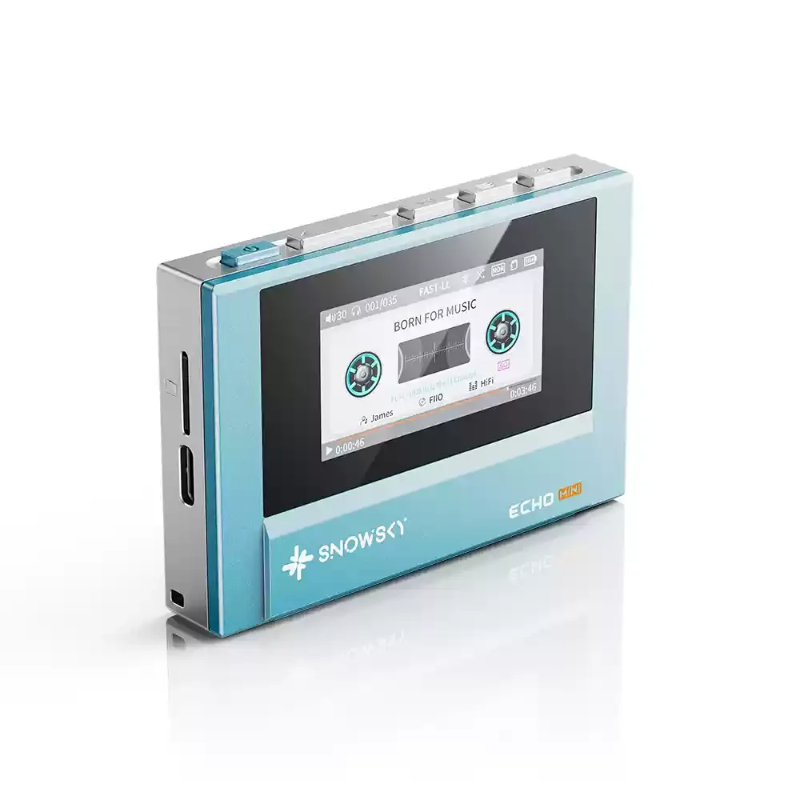
I bought myself a Snowsky Echo Mini, it’s basically a music player, or a MP3 player if you insist, it can even work as a DAC, which is pretty nice, but my usecase here is mostly using it to play music.
For the nerds out there, the spec sheet said it can do:
- Up to 24bit/192K with FLAC/APE/WAV
- In DAC mode, it can output PCM 48kHz/16bit
- Supported 3.5mm and 4.4mm balanced
- Powers 32 OHM
…and more, I’m not gonna list it out verbatim, you can read it [here] yourself. Basically, it’s a good player, it can do decently with IEMs and even those big headphones if the need ever arises, for the low cost of 60$ (which is around RM230 in my currency), which is, somewhat cheap I guess.
How it works
Basically, you store music files in the storage (either the internal small 8GiB storage, or an external SD Card up to 256GiB) and it’ll do it’s magic things to get you back a nice interface with a somewhat organized library.
How it does this is basically by referring to the folder name and it’s metadata.
What’s the problem
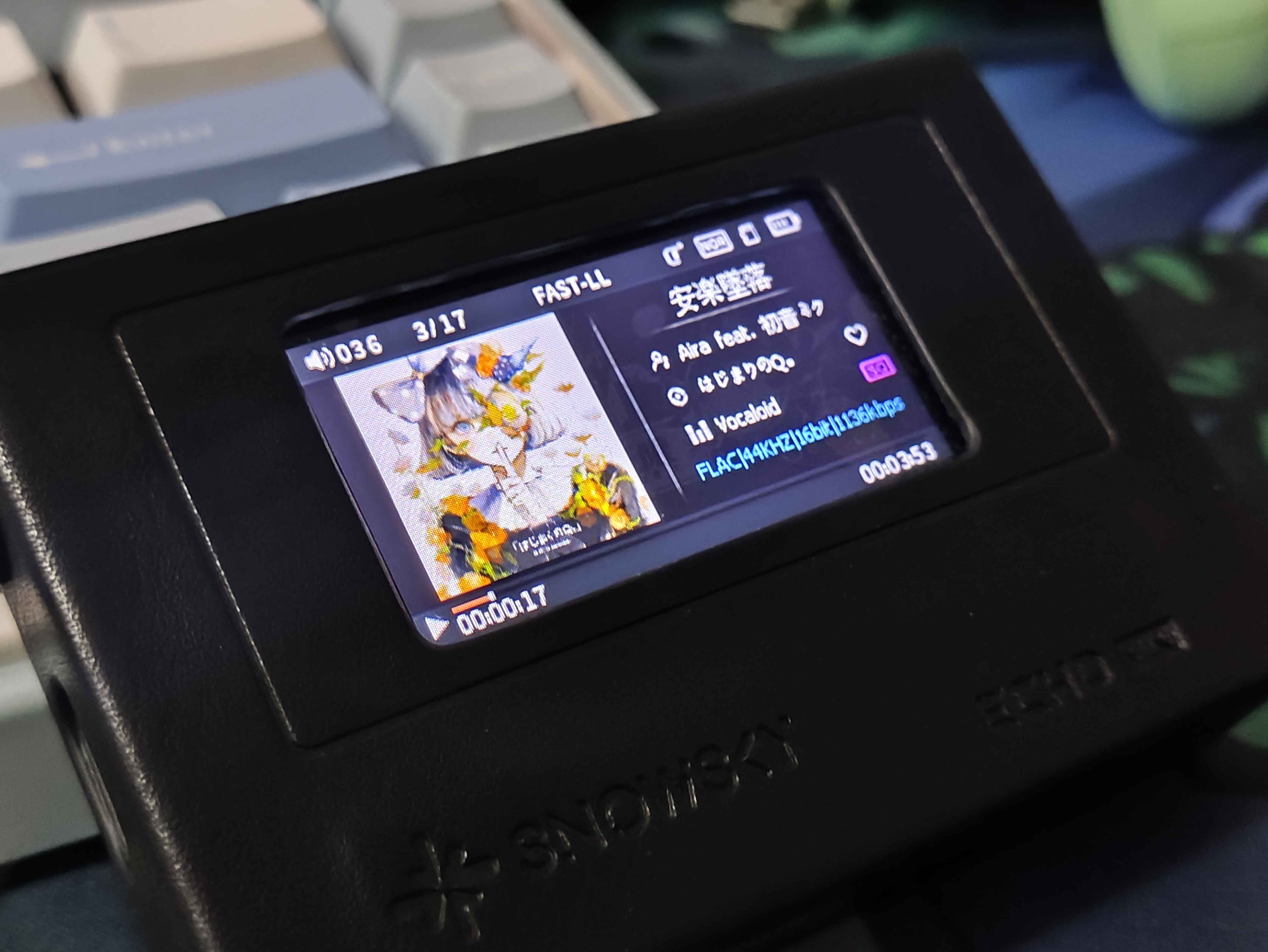
In the player, you can set it up so that it shows the currently playing music’s album art and lyrics, if the player can read it from the metadata.
And that’s where the problem is, a big part of my albums does not have album art, and lyrics. Even if they are, they’re not properly embedded, wrongly named, or some other variation of it.
>I guess this is somewhat of a dumb problem to be having, cuz, surely no one cares about that right?
I do, I don’t know why, but I do, it bothers me for some reason, maybe it’s some weird perfectionist behaviour I picked up from collecting everything I needed locally, gotta need them all organized properly and complete.
How I fixed it
future junko here: apparently someone made a toolbox that basically handles all the problem that I had, check it out [here].
For the lyrics, it’s easy enough, just use lrclib with lrcget, it’ll get the job done quickly.
The album art is where I had the most problem on, because they’re usually:
- not embedded to the music itself
- exists as a picture somewhere in the music’s folder
- exists but shared between two album so it’s saved under the parent folder
Basically, there’s all kind of situations with it, and there’s no one size fits all thing that I can use to get it fixed, so I ended up writing my own program to do it for me.
Introducing, normalize-album-art
Available [here], it’s a CLI program that will try to embed an album art to a music file by:
- searching the current folder for an album art (easy)
- searching the nearby folder (parent’s folder, parent’s of the parent’s folder, etc) for an album art (not easy) It’ll figure it out by itself, most of the time.
Folder Formatting
For the folders, I went with the Artist/Album [Year] format, for example, they looked like this:
├── MEGAREX
│   ├── HiTECH ALLiON [2024]
│   ├── SPD GAR 02 [2019]
│   └── TECHCORE EVANGELIX 01 [2019]
├── NOMELON NOLEMON
│   ├── どうにかなっちゃいそう!(2024)
│   └── ルール (2023)
Where I get my music
I get my songs from SoulSeek, using the Nicotine+ client.
On SK, make sure to at least:
- Share your music collections
- Not bombard people with a fuckton of downloads at once
- Say thank you once you’re done downloading off a person
Why not get a [insert other alternative]?
The thing looked cool and it was in my budget, and it carries a good chip, simple as that.